
Genesys CX Training Video Sample Chapters
Why Engineers Choose VoiceBootcamp
- 20+ years of global training expertise
- Trusted by Fortune 500 & government agencies
- 1,000+ video labs produced internally
- The only training provider offering 5-year access & 100 hours of labs
- Lifetime alumni support & community access

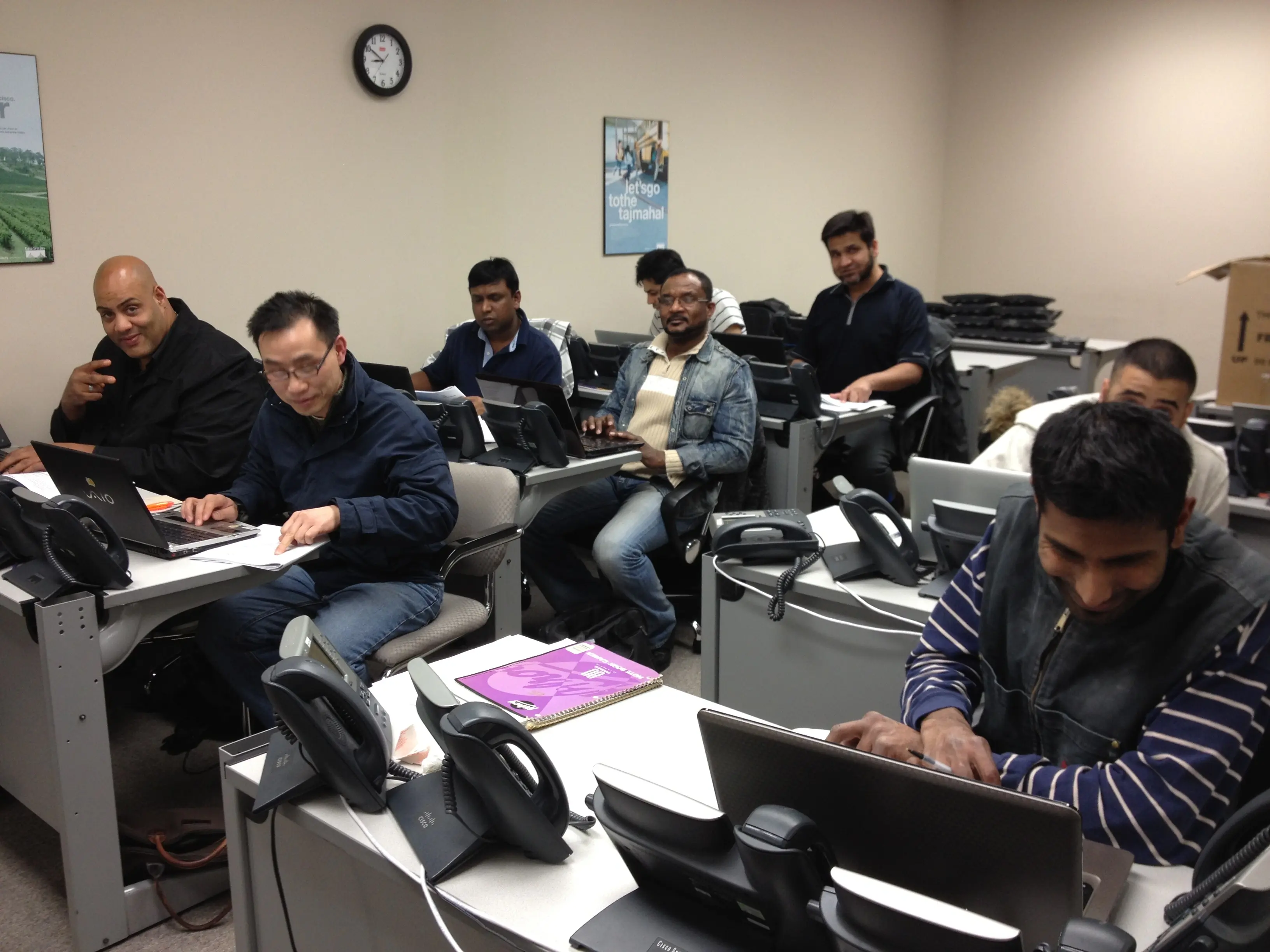
What You Will Learn
- Set up and manage Webex Contact Center tenants, sites, teams, and users
- Configure queues, entry points, and routing strategies
- Build call flows and IVR menus using Flow Designer
- Enable voice, chat, and email digital channels
- Use the Agent Desktop for call handling and monitoring
- Generate reports and manage dashboards for analytics
- Integrate Webex Contact Center with third-party systems (HTTP, CRM, etc.)
Genesys Cloud CX: Master Course Outline
Part 1: Genesys CX Implementation & Administration
Module 1: Platform Overview and Licensing
Chapter 1.1: Overview of the Genesys Cloud CX Platform
Chapter 1.2: Licensing in Genesys Cloud CX Contact Center
Chapter 2.1: Genesys Cloud CX Overview
Chapter 2.2: Accessing Genesys Cloud CX
Module 2: Organization, Users, and Data Management
Chapter 3.1: Overview of Configurations in Genesys Cloud
Chapter 3.2: Location Configuration
Chapter 3.3: User Profile Configuration
Chapter 3.4: Adding People to the Contact Center
Chapter 3.5: Organizing People
Chapter 3.6: Data Management in Genesys Cloud CX
Module 3: Telephony, Trunks, Sites, and Edges
Chapter 4.1: Features of Genesys Cloud CX Communicate
Chapter 4.2: Genesys Cloud CX Telephony Overview v2
Chapter 4.3: Genesys Cloud CX Telephony Configuration Setup
Chapter 4.4: Trunks in Genesys Cloud CX
Chapter 4.5: Sites in Genesys Cloud CX
Chapter 4.6: Edges in Genesys Cloud CX
Chapter 4.7: Functions an Edge Provides
Chapter 4.8: Edge Configuration
Chapter 4.9: Phone Management in Genesys Cloud CX
Chapter 4.10: DIDs in Genesys Cloud CX
Chapter 4.11: Extensions in Genesys Cloud CX
Chapter 4.12: Relationship Between Locations, Sites, Edges, and Edge Groups
Chapter 4.13: Architect Features in the Communicate License
Module 4: Number Plans, Routing, and BYOC Premises
Chapter 5.1: Importance of Number Plans and Outbound Routes Configuration
Chapter 5.2: Customizing Number Plans and Outbound Routes
Chapter 6.1: Genesys Cloud Telephony and System Basics Setup
Chapter 6.2: Managing Agents, Roles, and Permissions
Chapter 6.3: Managing Queues in Genesys Cloud CX
Chapter 7.0: Genesys Cloud Edge: BYOC Premises and Edge Introductory Concepts
Chapter 8.0: Genesys Cloud Edge: BYOC Premises Configuration
Module 5: Implementation Video Labs
Lab 1: Getting Started with Genesys Cloud CX Organization Settings
Lab 2: Managing User Accounts in Genesys Cloud CX
Lab 3: Creating and Customizing Admin Profiles
Lab 4: Managing Roles and Permissions for Users in Genesys
Lab 5: Creating and Managing Groups in Genesys Cloud
Lab 6: Creating Profile Fields and Assigning to Users
Lab 7: Creating a Document Workspace to Share Files
Lab 8: Trunk, Site, and Edge Configuration
Lab 9: Configuring On-Prem Edge and IP Phone in Genesys
Lab 10: Creating DID, Extension, and Default Phone Setup
Lab 11: Creating and Associating IP Phones and Making Test Calls Using PureCloud
Lab 12: Blocking 900 or Premium Numbers and Simulating Calls
Part 2: Genesys Cloud Contact Center
Module 1: Contact Center Fundamentals and ACD
Chapter 1: Genesys Cloud Platform
Chapter 2: The Basics of Genesys Cloud Contact Center Administration
Chapter 3 (Parts 1–5): Automatic Distribution and ACD Core Concepts
Chapter 4: Supervisor Tools
Chapter 5: Managing Roles, Permissions, and Divisions in Genesys
Module 2: Advanced Contact Center Operations
Chapter 6: The Genesys Cloud Architect
Chapter 7: Scripting in Genesys Cloud Contact Center
Chapter 8: Outbound Dialing
Chapter 9: Quality Management in the Contact Center
Chapter 10: Workforce Management in the Contact Center
Module 3: Contact Center Video Labs
Lab 1: Creating Skills and Languages for Agents
Lab 2: Creating Wrap-Up Codes for Agents to Select
Lab 3: Creating and Configuring ACD Queues in Genesys Contact Center
Lab 4: Using Utilization to Limit Capacity in Omnichannel
Lab 5: Creating Email Domains and Email Addresses to Route Calls to Queues
Lab 6: Creating Alert Rules to Notify Supervisors When Agents are Away
Lab 7: Using Performance Workspace Supervisor to Manage Queues
Lab 8: Creating and Recording Prompts in Genesys Contact Center
Lab 9: Creating and Managing Hold Music in Genesys
Lab 11: Creating Basic Scripts in Genesys
Part 3: Genesys Cloud Architect
Module 1: Architect Lectures
Chapter 1: Overview of Genesys Architect
Chapter 2: Overview and Demonstration of Admin Interface
Chapter 3: Overview of Variables and Prompts
Chapter 4: Prepare Prerequisites to Create First Call Flow
Chapter 5: Creating and Managing Schedules in Genesys
Module 2: Architect Video Labs
Lab 1: Preparing Genesys Contact Center for Architect Flow
Lab 2: Configuring Inbound Call Flow for a Travel Agency
Lab 3: Configuring Schedules to Define Working and After-Hours
Lab 4: Integrating Genesys Call Flow with Salesforce to Fetch Data
Lab 5: Creating In-Queue Flows When Agents Are Not Available
Lab 6: Creating a Secure Flow to Authenticate Users Using Data Lookups
Lab 7: Creating an Outbound Call Flow in Genesys Contact Center
Lab 8: Creating Inbound Email Flows to Send Emails to Agents
Part 4: Genesys CX Scripting
Module 1: Scripting Lectures
Chapter 1: Introduction to Genesys Scripting
Chapter 2: Navigating Through Genesys Script Workspace
Chapter 3: Navigating Through Genesys Scripts Workspace (Part 2)
Chapter 4: Creating a Basic Outbound Script with Contact List
Chapter 5: Features of Genesys Script Management
Chapter 6: Working with Static and Dynamic Variables in Scripts
Chapter 7: Using Action Buttons to Define Tasks or Work in Scripts
Chapter 8: Invoking Secure Flows to Collect Sensitive Information
Chapter 9: Configuring Action Buttons for Agent-to-Agent Transfers in Scripts
Chapter 10: Managing Scripts to Update Outbound Contact Lists by Agents
Module 2: Scripting Video Labs
Lab 1: Creating Basic Scripts in Genesys CC
Lab 2: Customizing Script Layout and Items
Lab 3: Creating Script and Component Templates in Genesys CC
Lab 4: Working with Variables in Genesys Scripts
Lab 5: Working with Dynamic Variables and Expressions
Lab 6: Working with String Functions and Dynamic Variables
Lab 7: Working with Literal String Functions in Genesys Scripts
Lab 8: Working with Built-in Variables in Genesys Scripting
Part 5: Genesys CX API Fundamentals
Module 1: API Lectures
Chapter 1: Genesys Cloud API Overview
Chapter 2: Genesys Cloud API Authentication
Chapter 3: Genesys Cloud API Resources
Chapter 4: Genesys Cloud Users API
Chapter 4.1: Genesys Cloud Skills, Language, and Group APIs
Chapter 5: Genesys Cloud Conversation API Overview
Chapter 6: Genesys Cloud Routing API Overview
Chapter 7: Genesys Cloud Notification API
Chapter 8: Genesys Cloud Chat API
Chapter 9 (Parts 1–2): Genesys Cloud Analytics API Overview
Chapter 10: Genesys Cloud Recording API
Chapter 11: Genesys Cloud Utilization Overview
Chapter 12: Genesys Cloud API Evolution
Module 2: API Video Labs
Lab 1: Retrieve User Details from Genesys Using Postman
Lab 2: Managing Genesys Cloud CX Users Using the User API
Lab 3: Creating Python Applications to Obtain User Details Using the User API
Lab 4: Creating Skills Using API Explorer, Postman, and Python Scripts via Skills API Endpoints
Lab 4.1: Creating Skills Using Skill API in Genesys API Explorer
Lab 5: Creating Skills Using the Skill API in Postman
Lab 6: Creating Skills Using Python Scripts
Lab 7: Assigning Skills to an Agent Using API via API Explorer
Python Scripts